Thank you, and goodbye
Maintenance status: active maintenance has ended (2026-10-08).
This project will no longer actively develop new features. Compatibility updates for future DSH versions and issue fixes are not promised. The existing code, documentation, and published versions remain available for existing users and reference.
Automation began with a simple idea: let an Agent pick up work at an agreed time, without waiting for us to open a conversation. Scheduling, session continuity, execution records, and message delivery grew out of that idea—and out of the help this project received along the way.
DSH now provides official scheduling capabilities. They are not a complete replacement for this plugin, but for basic scheduling, I would rather pass the baton to the official implementation than keep maintaining a parallel one. New users should first explore the official Schedule / scheduled-task features available in their DSH version.
Thank you to everyone who used the plugin, shared feedback, opened issues, contributed code, or helped test it. Its value was not only in the features we built, but in exploring together how Agents could take part in everyday work.
For existing users:
- Ending maintenance does not immediately disable existing installations, but future DSH upgrades may break compatibility. Validate your setup before relying on it for critical unattended work.
- Tasks, permissions, model and skill settings, execution history, and dsh-im delivery settings do not automatically migrate to the official features. Those features are not guaranteed to cover these capabilities.
- Back up task configuration and run data before migrating. Check the official feature set, validate replacement tasks, and then disable old tasks to avoid duplicate runs. Do not uninstall or delete data before backing it up.
- This change only updates the maintenance notice. It does not archive the repository, deprecate the npm package, delete code, or alter your existing tasks. Forks are welcome under the MIT license.
The original introduction and usage documentation remain below as reference for existing versions, not as a promise of ongoing maintenance.
Thank you for being part of this little project.
English · 简体中文


Get started / Demo / Reference / Report an issue
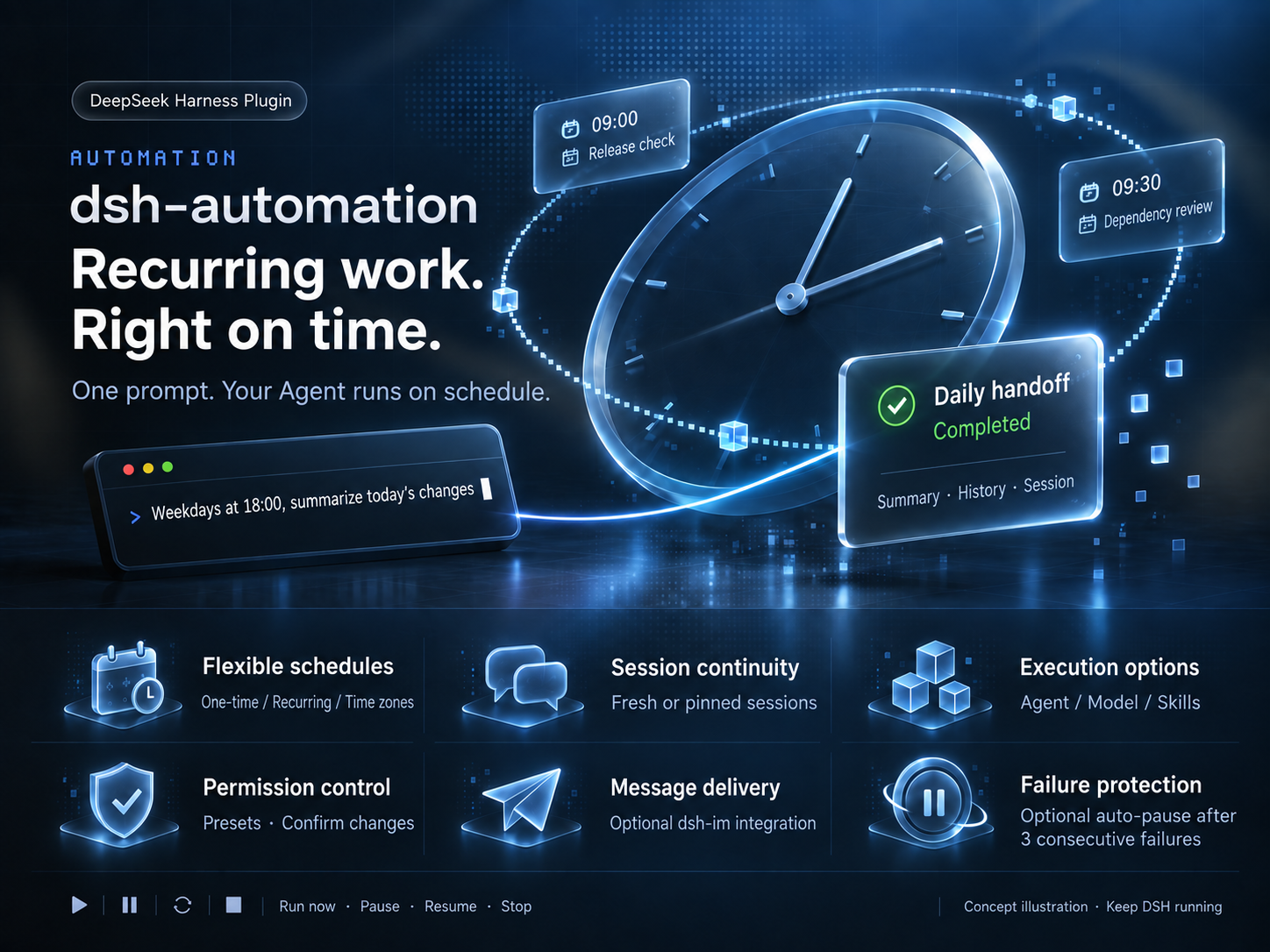
Release checks. Dependency reviews. Daily handoffs.
Set the schedule. Let your Agent take it from there.
🗓 Work on a scheduleOne-time or recurring, across time zones. |
💬 Keep the conversationStart fresh by default, or confirm |
🧩 Choose the capabilitiesPick an Agent, model, and skills per task. |
🔎 Follow every runSee summaries, duration, and errors. |
📨 Bring results to chatOptionally deliver through dsh-im. |
⏸ Stay in controlRun now, pause, resume, or stop. |
Get started
Targets DSH 0.1.7-rc.2 and its current APIs. Older Host versions are not supported.
dsh plugin --profile web add @alpacachen/dsh-automation
Restart dsh web, open a workspace, and make your first request:
Every weekday at 6 PM in Asia/Shanghai, summarize today's changes, next actions, and blockers. Read only; don't change files. Show me the configuration before creating it.
The Agent previews the schedule, permissions, and other settings. It creates the task only after you confirm. Or choose New automation in the sidebar and start from a built-in template.
Plans change: just say “Move the daily handoff to 7 PM.” To receive results in chat, select a bot and saved target under Edit → Message delivery. Set up message delivery ↗
Keep DSH running for scheduled tasks. Runs have a 1-hour limit by default, and interactive approvals are never granted automatically. How execution works →
Demo
Copy an example to your Agent and adjust the time or scope. Every task requires a configuration preview and your confirmation before creation. Fill in missing essentials, such as log paths, before saving the task.
🌙 A handoff before you log offRecurring · Read only · Notify after each run Create a daily handoff for weekdays at 18:00 in Asia/Shanghai. Read today's commits and uncommitted workspace changes. Report completed work, next actions, and blockers with evidence; say so if nothing changed. Do not modify files. Notify me after each run. |
🚀 A check before the releaseOne-time · A verdict with evidence Create a one-time release check for tomorrow at 09:00 in Asia/Shanghai. Read the workspace's version configuration, release docs, and uncommitted changes. Report Ready or Blocked with evidence, and list anything not verified. Do not modify files or publish anything. |
📦 A Monday dependency reviewRecurring · Choose models and skills Create a dependency review for Mondays at 09:30 in Asia/Shanghai. First list the available models and skills for me to choose. Inspect manifests and lockfiles, consult accessible official release notes, and report upgrade priorities, compatibility risks, and sources. Do not install or upgrade anything. |
💬 Keep an investigation movingPinned session · Retain context Create an investigation follow-up for weekdays at 10:00 in Asia/Shanghai, pinned to our investigation session in this workspace. Show me the target session for confirmation first. Read the logs I specify, build on our existing conclusions, and report new evidence and next steps. Do not repeat the entire history or modify files. |
📨 A weekly report delivered to chatRecurring · Optional dsh-im delivery Create a weekly report for Fridays at 17:00 in Asia/Shanghai. Read this week's workspace commits and project docs. Produce a short chat-ready briefing: completed work, unresolved issues, and suggested next steps. Do not modify files or invent progress; flag missing evidence. |
📝 Keep project docs up to dateRecurring · Controlled file changes Create a docs-maintenance task for the first day of each month at 10:00 in Asia/Shanghai. Check README commands against the current package.json and update only outdated command instructions. Do not change application code, commit, or push. Let me confirm the model, skills, and workspace-write permissions before creation. Summarize the edits after each run. |
Dependency reviews need working web tools on the Host. For report delivery, configure dsh-im on the same Host, then select and confirm a bot and saved target under Edit → Message delivery; creating the task alone does not enable delivery. Docs maintenance requires write permissions.
Execution rules & tool reference · Feedback & ideas · MIT License