Shared Sessions for Claude Code
Install · Quick start · Commands · Full guide · Contribute
What you get
Share a Claude Code session with a link, and a teammate joins it from their own Claude Code. They see your prompts, replies and tool results live, and they can prompt Claude on the same code. Their prompts run on your machine, and by default each edit, command or network call asks you first.
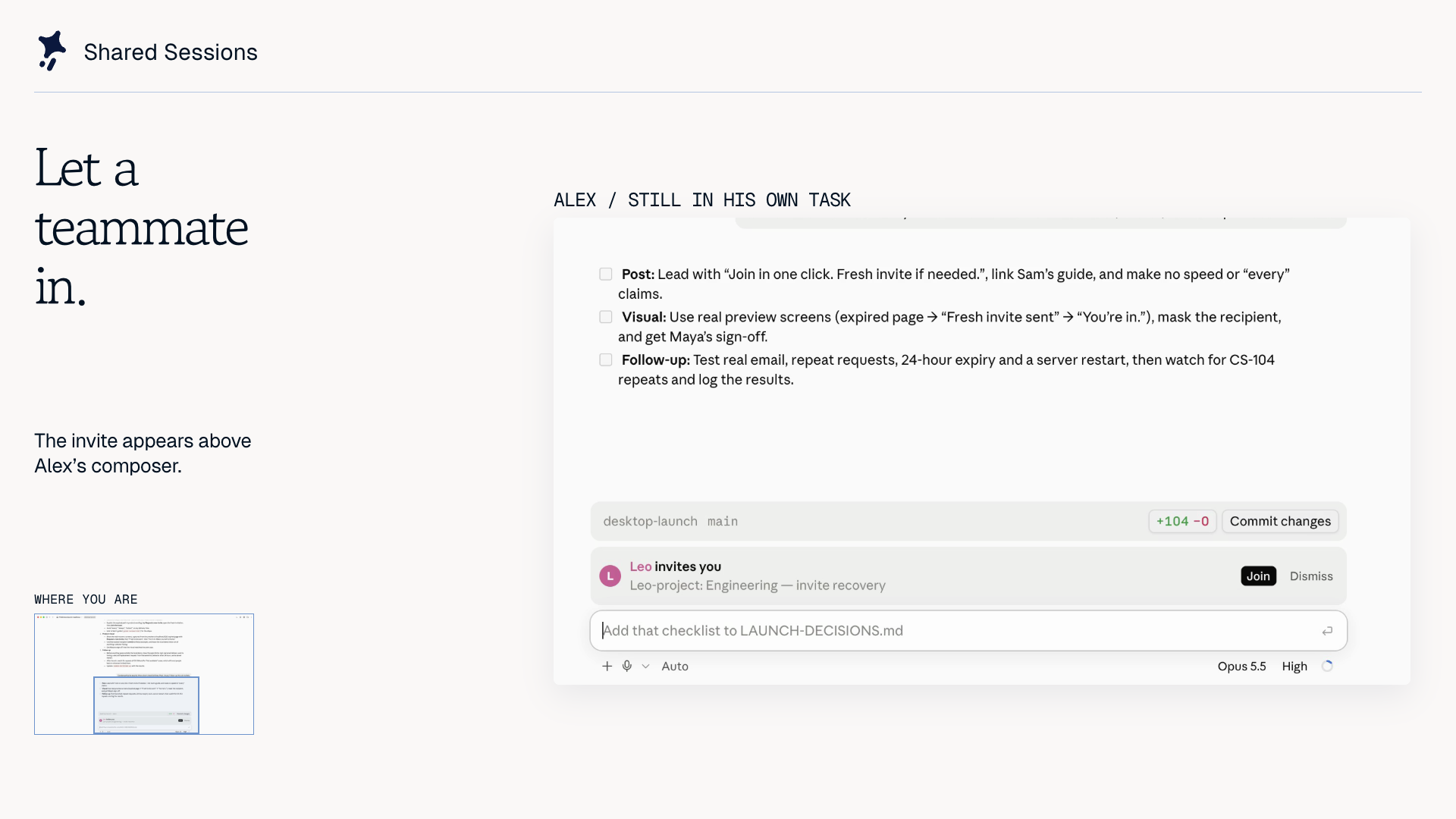
Watch the 90-second demo. Recorded with fictional teammates; credits. Works in Claude Desktop and the terminal, on a public server or your own.
Install
Both people need Claude Code 2.1.286 or later (claude --version) and this plugin:
claude plugin marketplace add Paradigm-Study/claude-share
claude plugin install shared-session@claude-share
Start a new session after you install. In Claude Desktop, quit and reopen the app.
Is your terminal claude older than the one Claude Desktop bundles? Run the setup script instead. It needs Git and Node 22.18+:
git clone https://github.com/Paradigm-Study/claude-share.git && cd claude-share
node scripts/setup.ts join
join installs the plugin for sharing and joining. If it prints NEEDS HUMAN, do that step and run it again. More install options.
Quick start
Before you share: anyone with the link can join. The session goes through the room server, encrypted in transit but not end to end. See Privacy. In a session that already has messages, Share asks whether to send them. Choose Only from now on to leave them out.
- Host: press Share above the prompt, or type
/share-session. Copy the link. - Teammate: paste the link into a new Claude Code session and send it.
- Teammate: ask Claude to read the README. The prompt runs on the host's machine, and both sessions show the reply and tool calls.
- Host: type
/stop-sharing. The room ends for everyone.
Commands
| Command | Does |
|---|---|
/share-session |
Share this session. Add watch so teammates can only watch, or new to leave out earlier messages |
/stop-sharing |
Host: end the room for everyone. Guest: leave it |
/room |
People, timeline, changed files, side chat, settings |
/who |
Who is here, and what each person is doing |
/share-preview <port> |
Host: let teammates open a local web server |
/share-file <path> |
Host: show a file to everyone |
/team |
Sign in, make a team, and see its shared sessions |
/invite <name> |
Invite a teammate into this session. Needs sign-in and a shared team |
Every command, previews and the cloud host.
How it works

The host's machine does all the work. A guest's prompt goes through the room server to the host's Claude Code, which runs it as a turn of its own.
By default, every edit, command and network call that a guest's prompt makes asks the host first, agents included. A call the host does not answer is declined.
Guests see the host's tool calls replayed in their own Claude Code. A replay runs nothing on the guest's machine, and the guest's model is never called. Permissions, files and preview boundaries.
Privacy
The link is the key. Anyone with it can join, unless you limit the room to a team.
The room server receives the shared transcript, tool results, chat and files. Traffic is encrypted in transit, not end to end. The public server deletes a room and its files 24 hours after the host stops or was last seen. It keeps no analytics and no request logs.
Only a server that turns on traces keeps a session's turns for its team to search. The public server does not.
A browser signed in to the server's dashboard (/app) keeps its sign-in in a cookie. The server keeps only its hash. A browser sign-in lasts 30 days. Signing out, or deleting your account, ends it at once.
A preview page left open in a browser can reach the previews of a session that browser opens next. Close previews from a session you do not trust before you open another one's.
A session moved to the cloud sends your project files, conversation and Claude token to a container. The container is deleted when you bring the session home, the room ends, or a week passes.
What the server keeps, and for how long.
Troubleshooting
- No Share button, or unknown command: the session started before the install. Start a new one.
hooks: Invalid input: your Claude Code is too old. See Install.- A pasted link gets a normal Claude reply: the plugin is not loaded. Paste the link into a new session.
- Check the setup: run
node scripts/setup.ts check --livefrom a clone.
More troubleshooting · Known limits · Report a bug
Host your own server
node scripts/setup.ts deploy
This deploys the room server to your Cloudflare account. It needs Node 22.18+, and a person must approve the browser sign-in. To use a server that already exists: node scripts/setup.ts host --server https://your-server. Cloudflare and team sign-in setup.
Develop
The plugin is in plugin/. The room server is in server/. CONTRIBUTING.md covers tests. AGENTS.md records setup and the release steps. docs/rules/ records the rules the design keeps.
License
MIT. The Paradigm name, logo and Clover character are trademarks of Paradigm Study. Demo music has its own terms.